
Highlight to translate
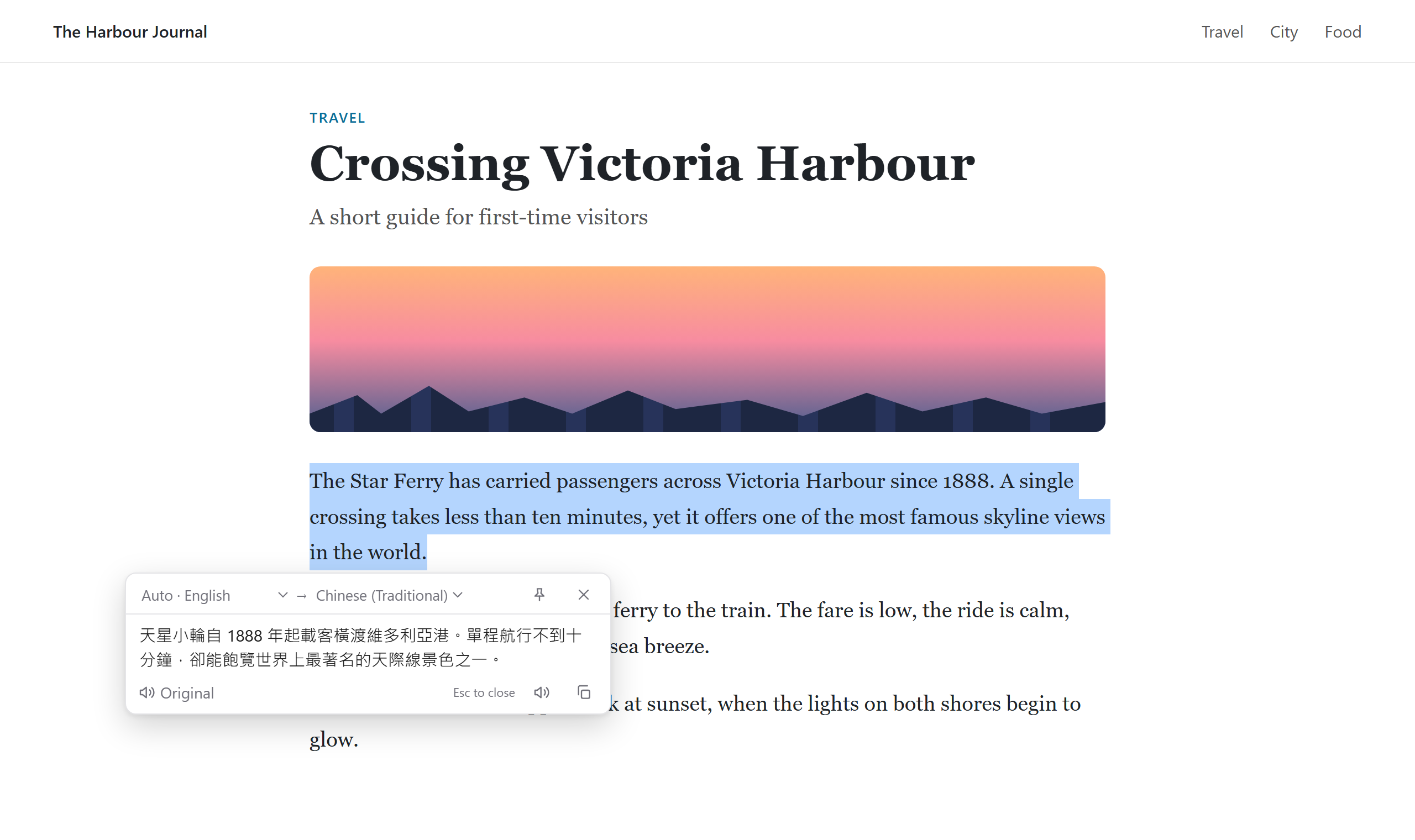
Select a word or a paragraph and the translation appears beside it. Never on top of what you selected, and never off the edge of the screen.
Free · Private · Powered by Chrome's built-in AI
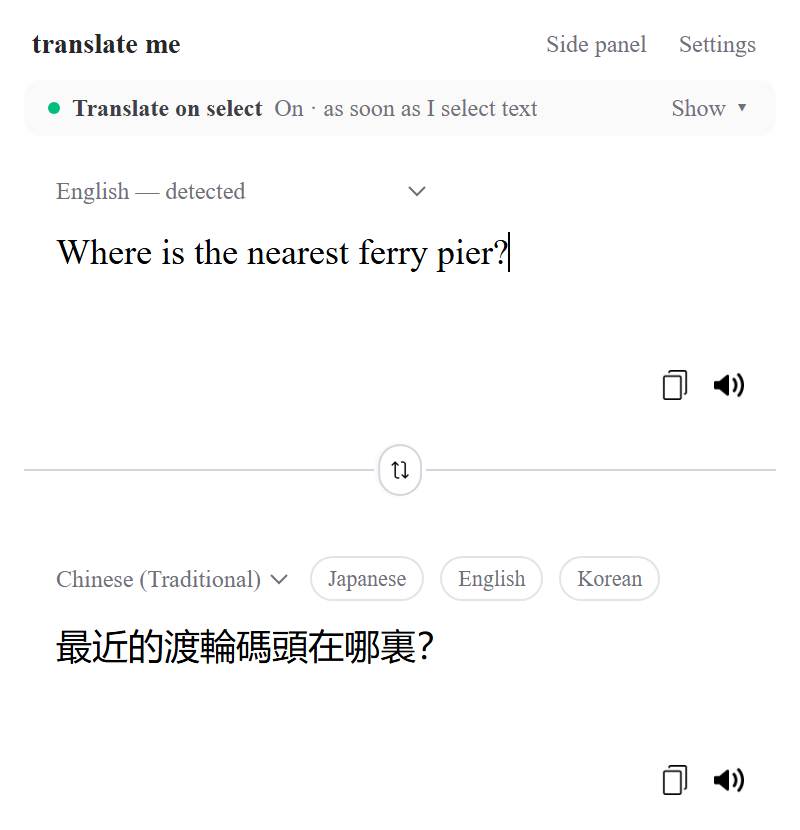
Select text on any website and the translation appears right beside it. translate me runs on the translation model built into Chrome, so it's free, fast, and the words you read never leave your computer.
Desktop Chrome 138 or newer · Windows, macOS, Linux, ChromeOS · 39 languages
Features
Designed to stay out of your way until you need it, then get the translation right the first time.
Select a word or a paragraph and the translation appears beside it. Never on top of what you selected, and never off the edge of the screen.
Translation and language detection run on your computer with Chrome's own model. No servers, no logs, nothing to sign up for.
Japanese, Korean, Thai, and Traditional vs Simplified Chinese are recognised from their writing system. Short, ambiguous text uses the page's language and yours as hints.
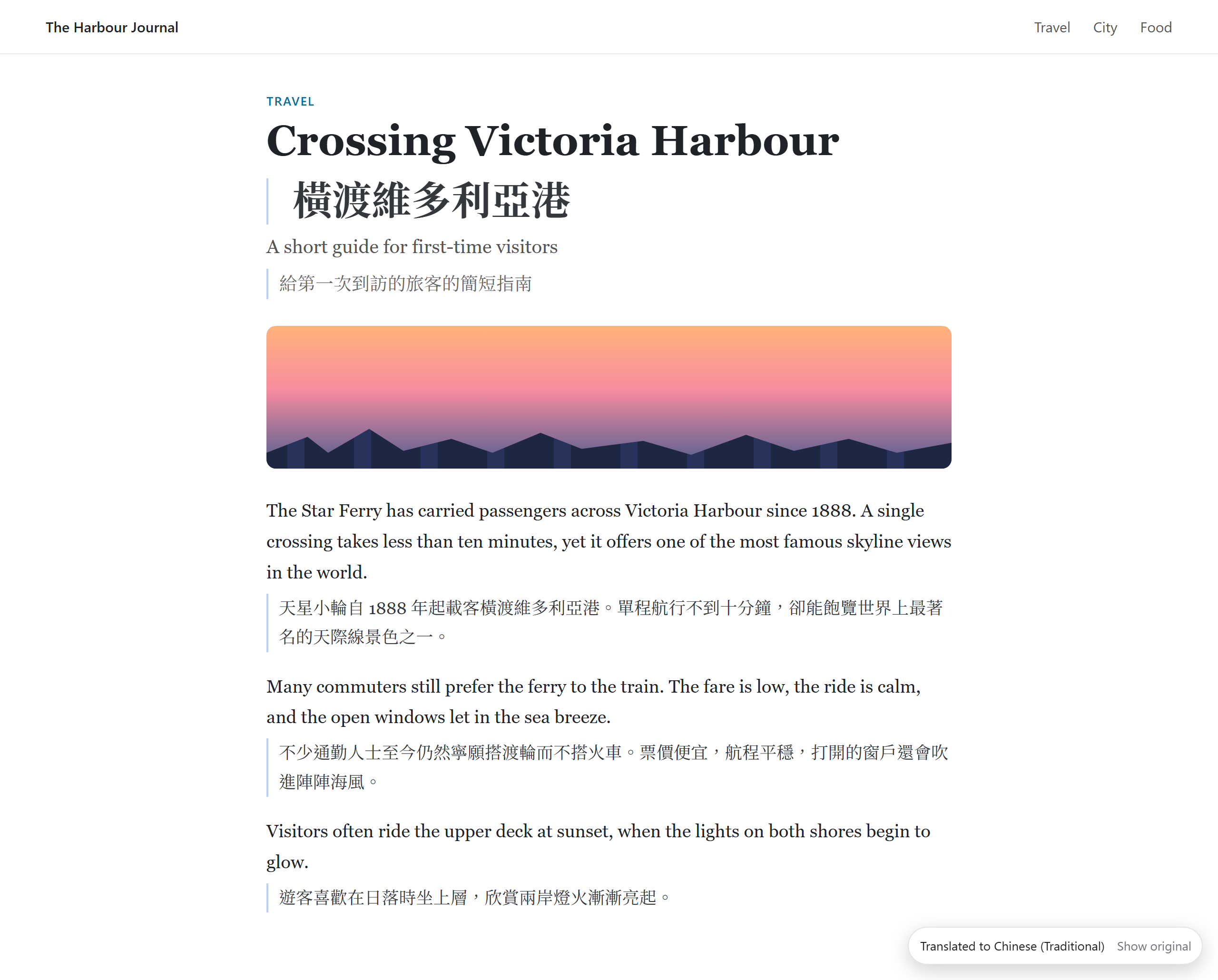
Translate a page and each paragraph gets its translation underneath, so you can read both. Content that loads later is included.
Listen to the original or the translation. The best voice for your region is picked automatically, for example Cantonese for Hong Kong. Natural neural voices are optional.
Words you look up are kept on your computer. Export them as a CSV file that imports straight into Anki.
Side by side
Right-click any page and choose Translate page. Each paragraph gets its translation underneath, so you can check a word in context or follow along as you learn. Show original puts the page back exactly as it was.
Your way
Privacy
Most translators send your text to a server. translate me doesn't need to: Chrome now ships its own translation model, and we use it directly.
Read the privacy policyLanguages
Every language supported by Chrome's built-in translator. Each language model downloads once, then works offline.
Get started
Install from the Chrome Web Store. Needs desktop Chrome 138 or newer.
Click the toolbar icon and choose the language you want to read in.
The first time, Chrome downloads the language model once. After that it's instant, even offline.